
Location Recording Project
For my Location Recording Project, I asked my collaborator Katie “ROTUNES” Rotuno if she’d be down to do a live performance in my living room. Her most recent single, “TOO CLOSE,” is honestly my favorite of our released songs, and I felt like it could really shine in a more stripped-down, intimate setting.
Instead of recreating the full production, I wanted to pull everything back and focus on the core of the song. The idea was to center it around just piano and vocal and capture something that felt raw, real, and emotional—something you don’t always get from a fully produced track.
I brought in my vocal coach, Christopher Venesile, to play piano for the session. He’s not only a great pianist but also really understands how to support a vocalist, which made a huge difference in how the performance came together.
Tracking Process
I ended up splitting the recording into two different sessions, which actually helped a lot.
On Thursday, I recorded the piano separately so I could really focus on getting the best possible sound. I used two Neumann U87s in a spaced pair—one on the high end and one on the low end of the piano, both placed above the hammers. This gave me a really nice stereo image and captured a lot of detail and presence from the instrument.
Then on Saturday, I recorded the vocals and filmed the performance. Having the piano already recorded made it easier to focus on capturing a strong vocal take and getting good video at the same time. The vocalist performed along to the piano track, which still kept the “live” feel while giving me more control overall.
For vocals, I used a wireless SM58. That might seem a little unconventional compared to a studio condenser mic, but it actually worked really well for this setup. It helped cut down on room noise and reflections, and since it’s wireless, it gave the artist more freedom to move around and feel comfortable during the performance—which definitely came through on camera.
Everything was run through a Focusrite Scarlett into Pro Tools, which I used for recording and mixing.
Recording in a living room definitely came with its challenges—there’s only so much you can control in that kind of space. But instead of fighting the room completely, I leaned into it a bit. It actually helped add to the intimacy of the track.
Mixing & Post-Production
During the mixing process in Pro Tools, my main goal was to preserve the natural feel of the performance while improving clarity and balance.
One of the biggest challenges I encountered was related to gain staging. The input levels on the interface were set too high during recording, which caused all four takes to clip. Because this distortion was recorded into the audio, it limited how much I could fix in post.
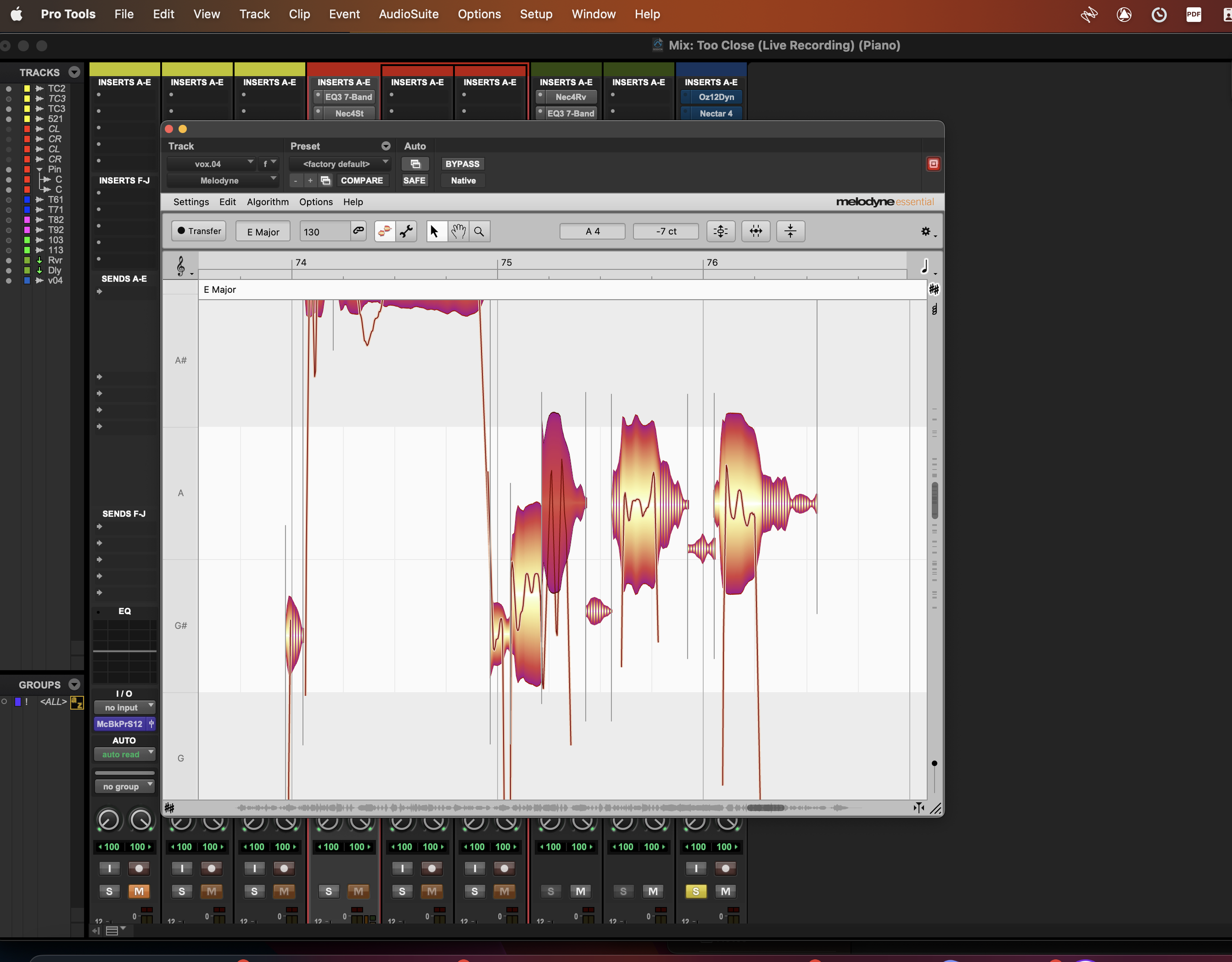
To improve the recordings, I used iZotope RX, specifically the De-clip module, to reduce the harshness caused by clipping. While it doesn’t completely restore the original signal, it made the audio much more usable. I also used clip gain within Pro Tools to manually bring down louder sections and create more consistent levels before applying additional processing.
For the piano, I kept the two microphones panned hard left and right to maintain the stereo image and create a wide, full sound. I applied light EQ to reduce some low-mid buildup and used gentle compression to control dynamics without taking away from the natural performance.
For the vocal, I used EQ to clean up low-end rumble and add a bit of presence so it would sit clearly above the piano. Compression helped even out the dynamics while still allowing the performance to feel expressive. Because the SM58 has a more limited high-end response compared to a condenser microphone, I made subtle adjustments to help open up the sound.
I kept time-based effects minimal. I didn’t want the vocal to feel overproduced, so I used a subtle reverb and a light delay to add space without distracting from the performance. These effects acted more as enhancement rather than a focal point.
Live Performance Video
In addition to the audio, I also created a live performance video to accompany the track. I used a three-camera setup, all recorded on iPhones, to capture multiple angles of the performance.
Each angle served a purpose: a close-up for the vocalist to capture expression, a shot of the pianist to highlight musicianship, and a wider angle to show the overall space. Using iPhones proved to be a practical and effective solution, offering high-quality video while keeping the setup simple and flexible in a home environment.
During editing, I focused on clean cuts between angles that aligned with musical and emotional moments. Similar to the audio, I kept the visual style natural and avoided heavy effects, allowing the performance itself to remain the focus.
Reflection & Takeaways
This project challenged me to balance technical execution with artistic intention. Separating the piano and vocal sessions gave me more control over the recording process, while still allowing the final product to feel like a cohesive live performance.
It also reinforced the importance of proper gain staging. While tools like iZotope RX can help repair clipped audio, they are not a replacement for capturing a clean signal from the start. This is something I will prioritize more carefully in future sessions.
Overall, this project grew into more than just a recording—it became a full performance production that combined audio engineering and visual storytelling. It reflects both my technical development and my ability to adapt to real-world recording situations while keeping the focus on the artist and the performance.